FAQ
Everything about making a parrot dance
Photos, dances, render times, music, privacy and what the model can and cannot do. If something is missing, ask us.
The trend and the product
What exactly is the parrot dance trend?
In late 2026 the "Jamaican Bam Bam" pet trend made dancing parrots a viral format: green parrots in a rustic barn doing wing waves and tail sways to the same dancehall beat, usually with a group finale. AI versions let people put a photo of their own pet into that scene. Parrot Dance AI does the same thing for one bird, from your own photo and a dance clip you choose.
Do I need an app or editing software?
No. Everything happens in the browser. Upload a photo, pick a dance, and download the MP4 when it finishes. There is nothing to install.
How long does a render take?
Typically 3–8 minutes. The render runs on the server, so you can close the tab or check other pages and pick it up later from the generator or your library.
What happens if the render fails?
You are not charged. A failed or timed-out render returns the credits automatically. If a finished video is badly wrong — the wrong bird, a broken clip — contact us within 14 days for a free re-run.
Photos and dance clips
What is the best photo of my parrot?
One bird, whole body in frame, facing the camera, in even daylight, on a plain background. Sharp focus on the eye and plumage. Phone photos pass as long as nothing important is cropped and there is only one bird.
Which species work?
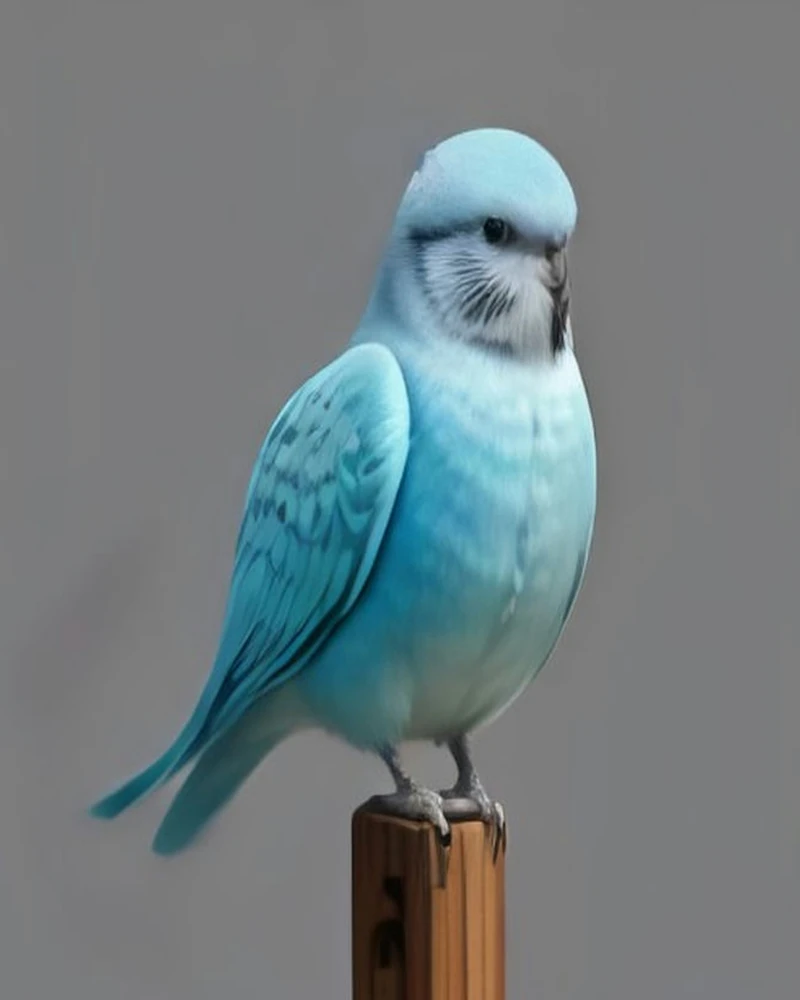
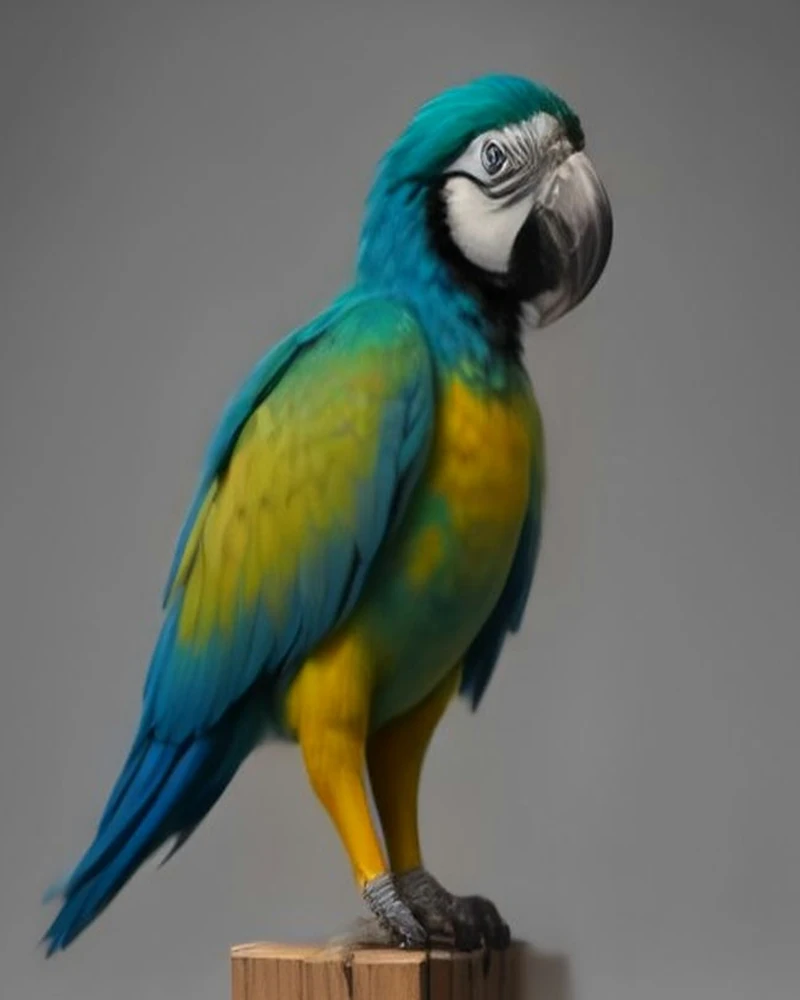
All parrots: macaws, cockatoos, cockatiels, budgies, conures, African greys, quakers, lovebirds and more. The more distinctive the bird's silhouette — a crest, a long tail, big wings — the more readable the dance.
Should I use a template or my own clip?
Templates are built for bird bodies, so they are the safest choice for a first render. Your own clip is better when you want your bird's specific habit — a head bob you know, a wing greeting — and it should be short, steady and free of cuts.
Can I put two parrots in one video?
No. The model is designed for a single bird; two birds in the photo usually produce merged bodies or one bird disappearing. Render each bird separately instead.
Pricing and credits
How much does one video cost?
Standard (720p, up to 15s) costs 5 credits per output second; Premium (Seedance 2.5, up to 30s) costs 10. Packs: 100 credits for $10, 240 for $20, 650 for $50 — one-time, never expire. A typical 11–13s template costs 55–65 credits on Standard.
Do you refund failed renders?
Automatically. If the vendor fails or the job times out, the credits are returned to your balance. A finished video you simply dislike is not refundable, but a clearly broken one gets a free re-run within 14 days.
Is there a watermark?
No. Every video is delivered as a clean 720p MP4 with no watermark, logo or end card, ready to post.
Privacy and permissions
How long do you keep my files?
Photos and uploaded dance clips are deleted after 7 days. Finished videos stay in your library until you delete them. You can delete any render from your account at any time.
Whose photos and videos can I upload?
Only your own, or content you have explicit permission to use. No public figures, no minors, no other people's pets, and no footage of people who did not agree — including people who appear in the background of a dance clip you upload.
Do you publish my videos?
No. Renders are private to your account. We may ask for permission before showing a customer render in our example gallery.
Can I use the original Bam Bam audio?
Not from us — we only ship cleared, royalty-free template music. The trend audio belongs to its rights holders, so add it yourself in TikTok or Instagram after downloading. The video is as long as the dance clip — up to 15 seconds on Standard or 30 on Premium.
Still have a question?
Your parrot is ready for the dance floor
One photo, one dance, up to thirty seconds. Make it today.
Make mine dance